 New
New
SPEC.-OPS. Brand agrees to join the planned Military OS global directory
SPEC.-OPS. Brand is the first company to agree to inclusion in the planned global directory, after reviewing its proposed listing.
News
Updates covering product features, data rules, screenshots, and administrative workflows.
Product walkthrough
The product tour covers memberships, chapters, events, awards, payments, records and isolated hosting.
New
SPEC.-OPS. Brand is the first company to agree to inclusion in the planned global directory, after reviewing its proposed listing.
 New
New
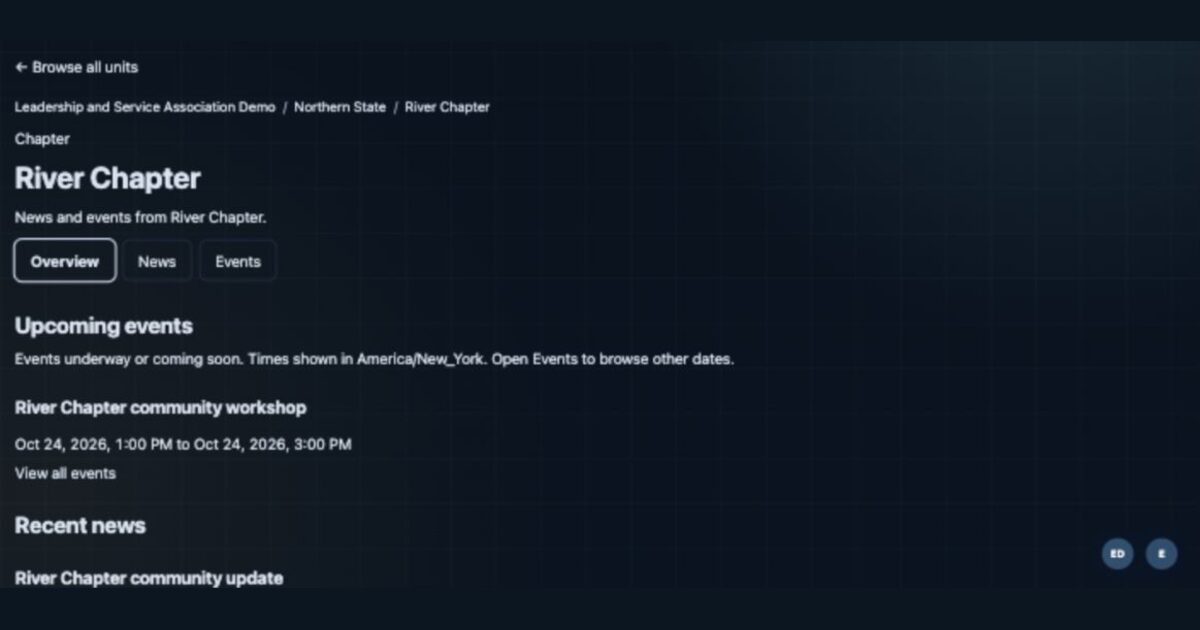
Find a Chapter from the home page, browse its news and events, and follow separate State and National decisions about wider calendar listings.
 New
New
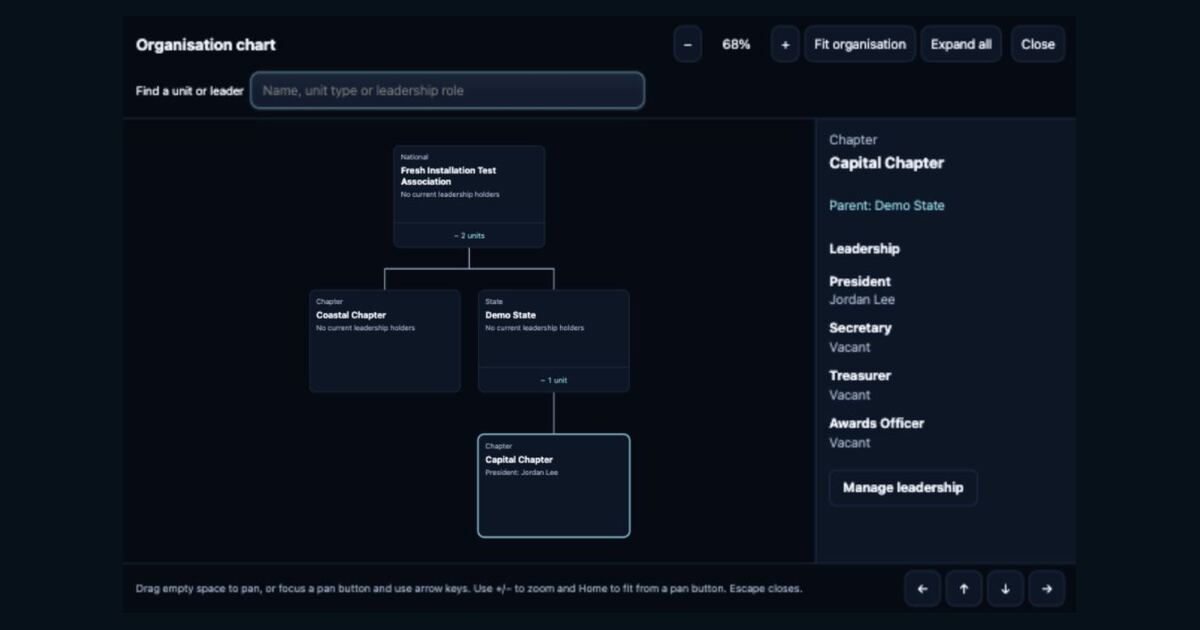
View units and leadership in an organisation chart, add a State level and review chapter moves before applying them. Includes a narrated tutorial.
 New
New
How I approach implementation, work alongside association staff and leadership, and agree the scope of ongoing support and development.
 New
New
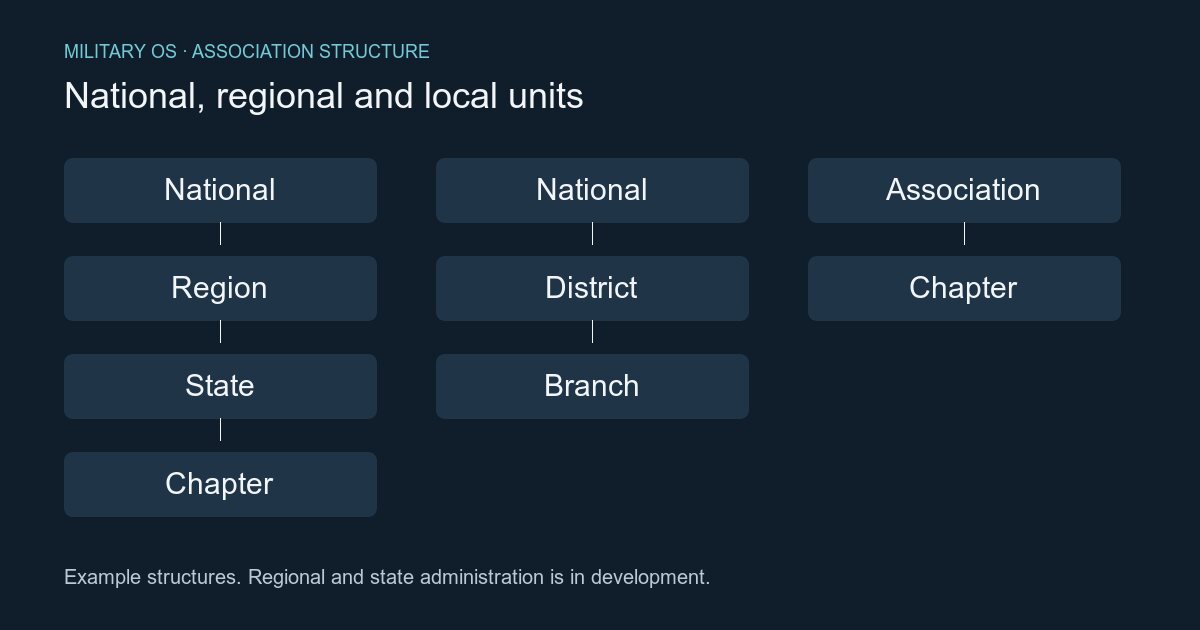
Military OS is being extended to reflect national, regional, state and local structures, with separate decisions about member affiliation, officer responsibilities and access.
 New
New
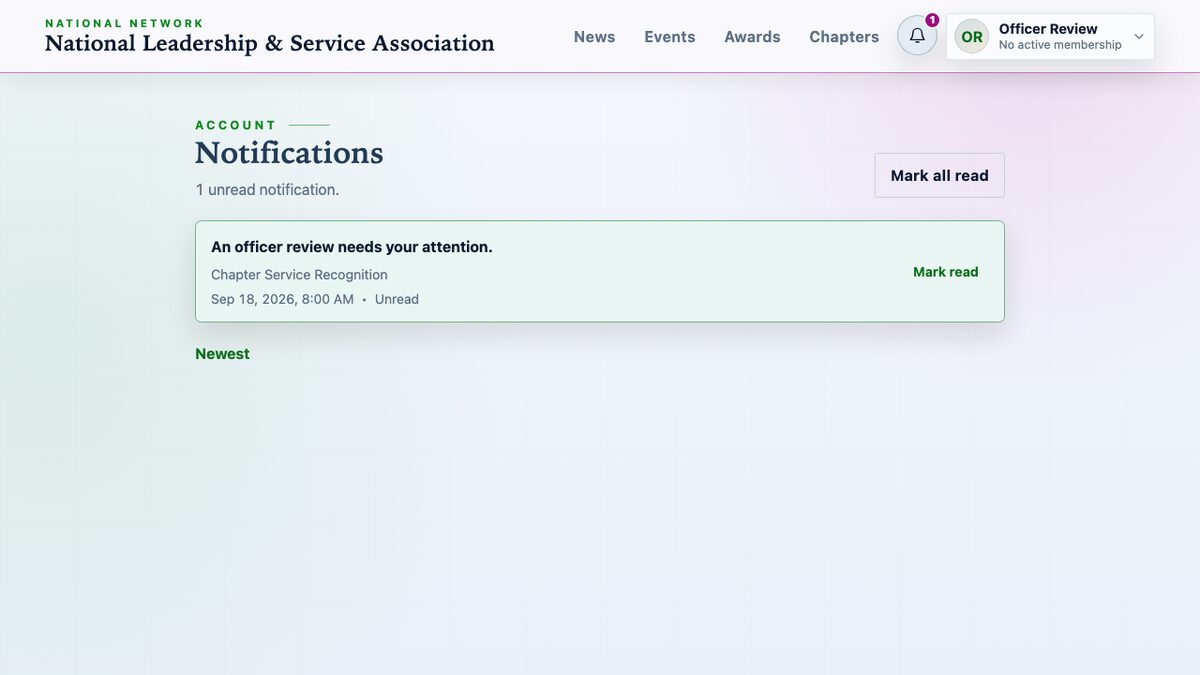
Military OS provides a private notification inbox for chapter award reviews, requested corrections and issued certificates, without requiring email delivery.
 New
New
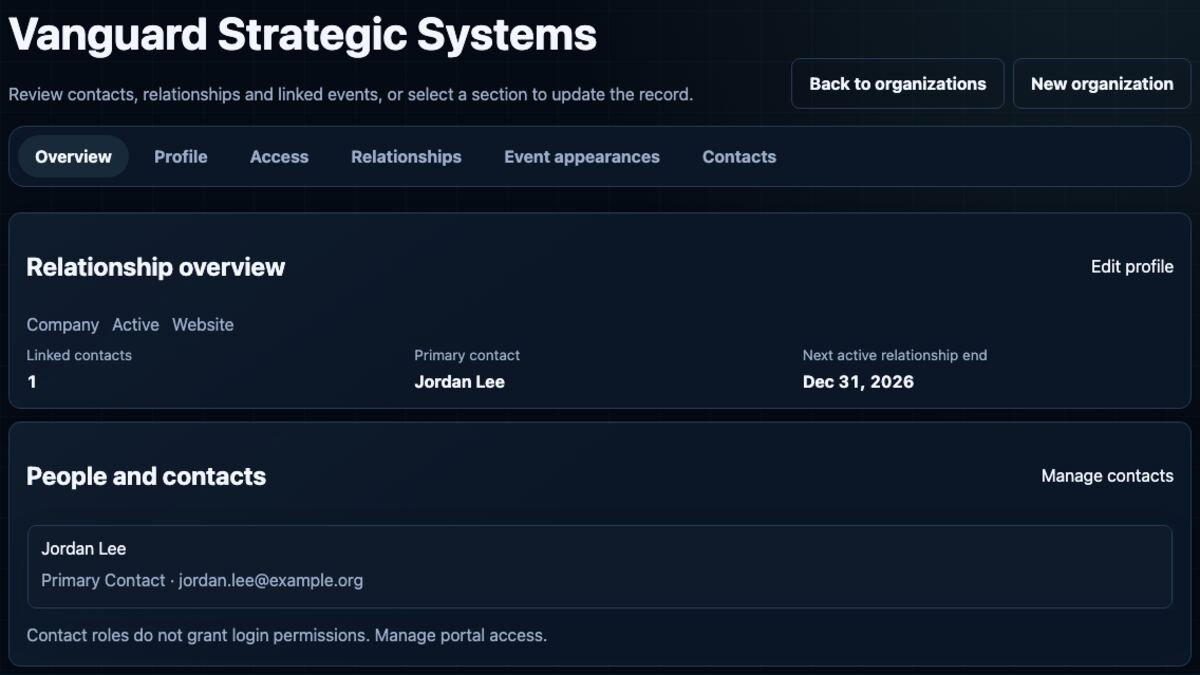
Association administrators can maintain organization profiles, dated association relationships, and event-specific roles from the organization overview.
 New
New
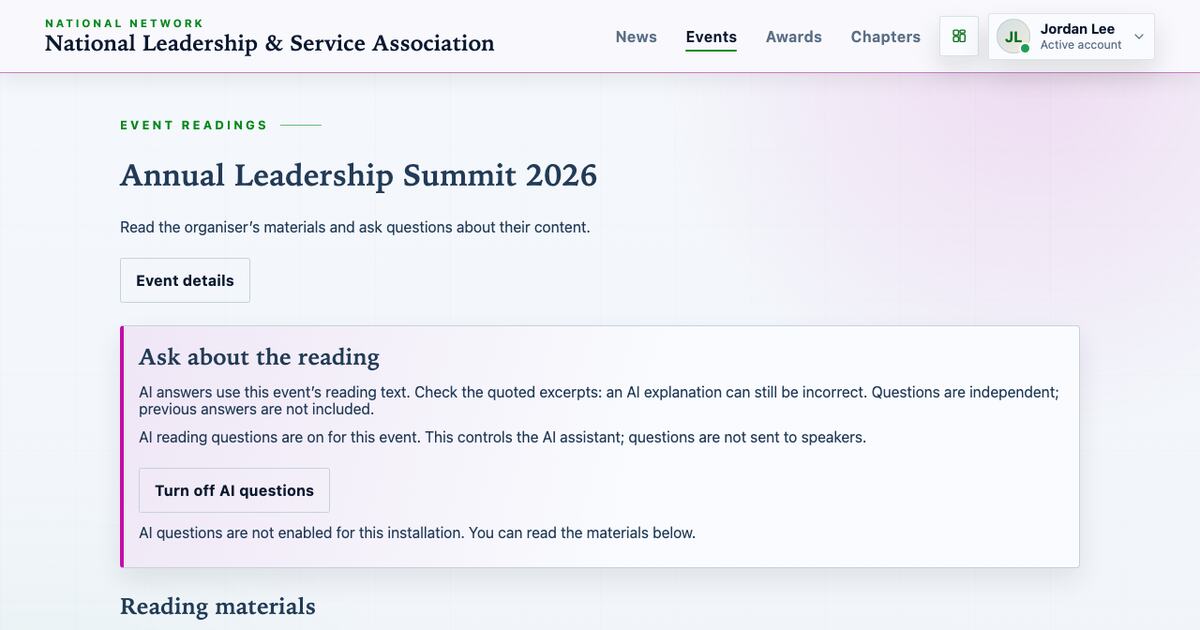
Event organisers can share full documents with ticket holders, provide separate text for optional AI questions, and set when materials expire. AI questions are off by default.
 New
New
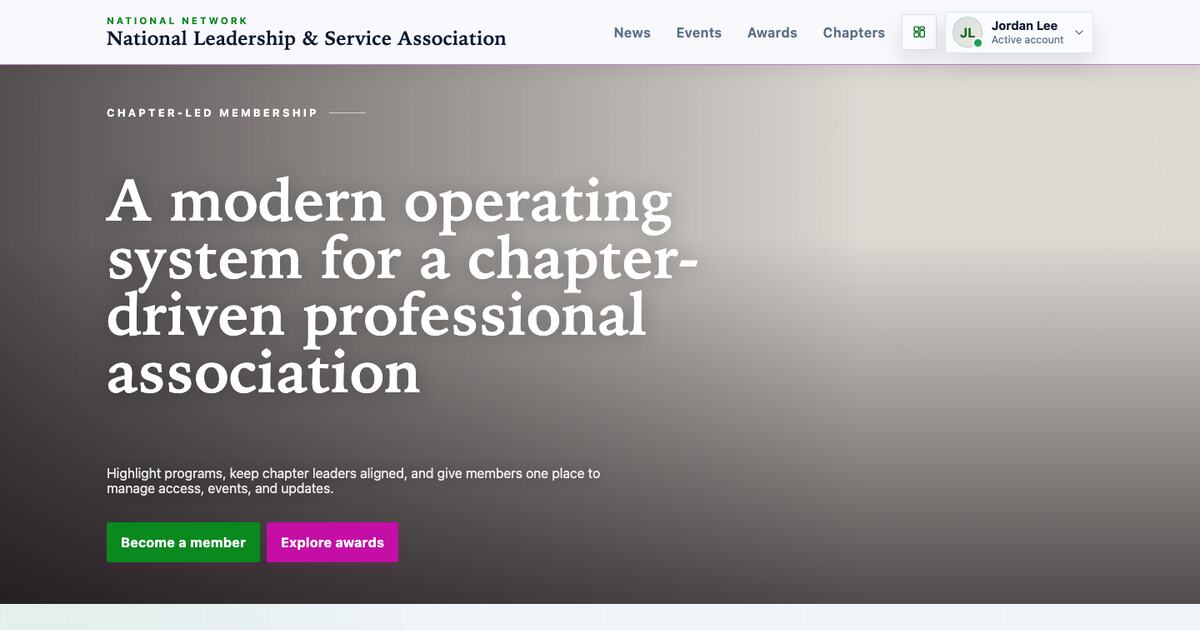
Military OS configures required authenticator-app MFA for password accounts, limits app sessions, separates database duties, and preserves award-linked audit evidence.
 New
New
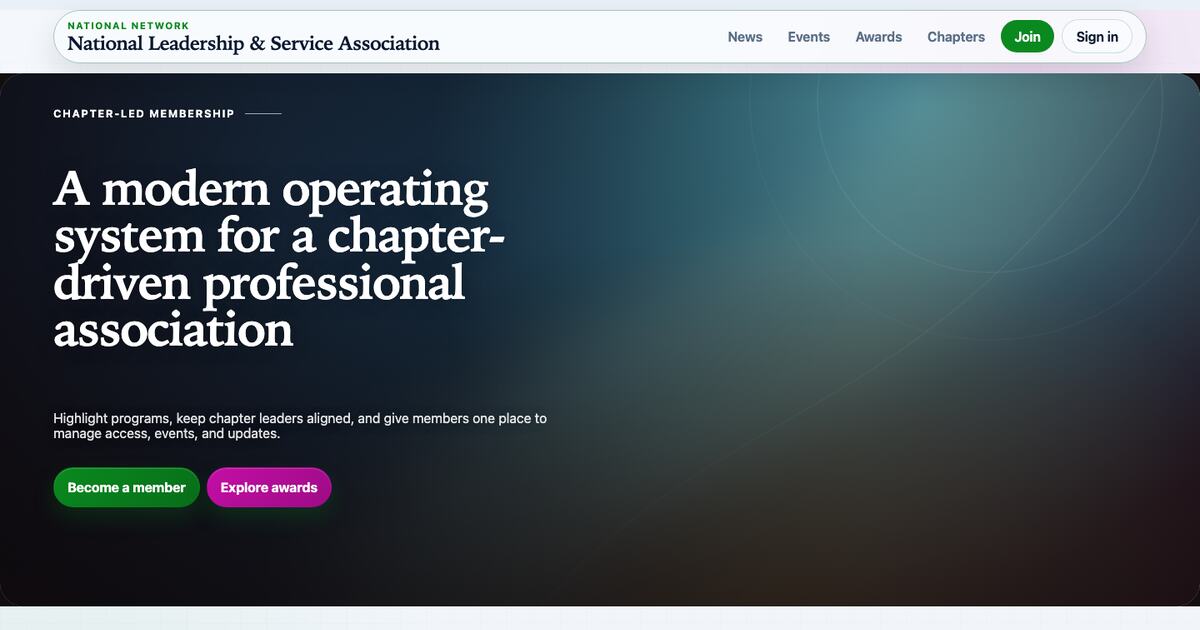
Super admins can upload a homepage banner, preview unsaved changes at desktop and mobile widths, and save the image with its layout, focal point and overlay settings.
 New
New
Super admins can choose from six public site visual families, set a brand colour, preview light and dark appearances, and save named themes.
 New
New
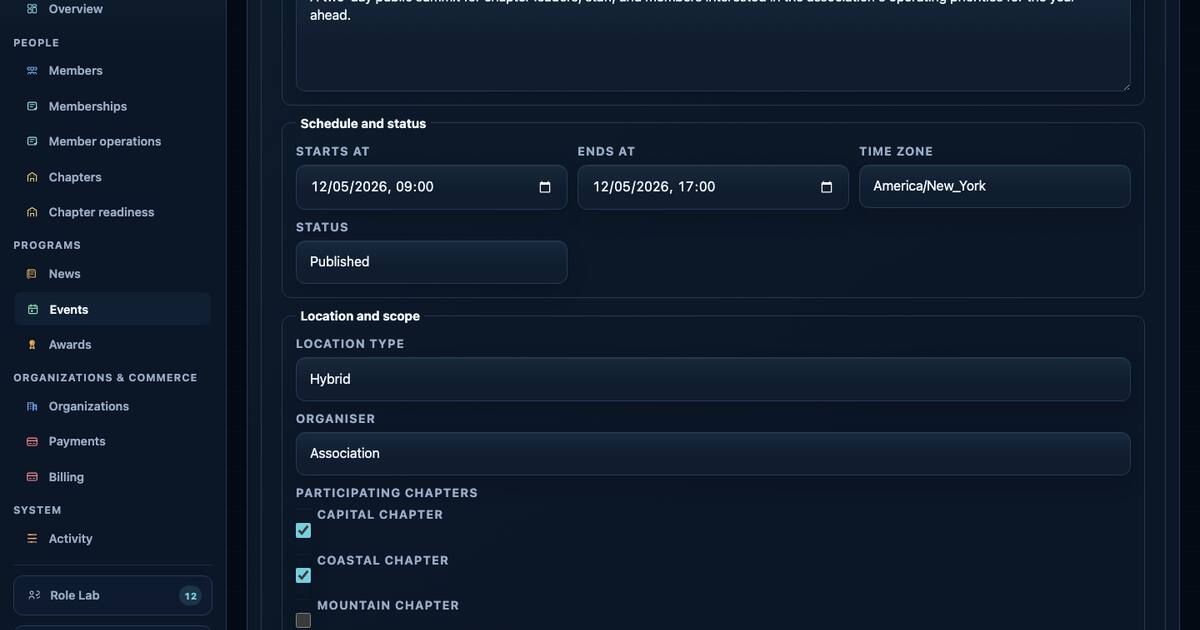
Fixed-capacity ticket products can use an ordered waiting list. Event staff can reserve one available ticket for the next person for a limited time.
 New
New
Every event has one accountable association or chapter organiser. Other chapters can be listed as participants without receiving event management access.
 New
New
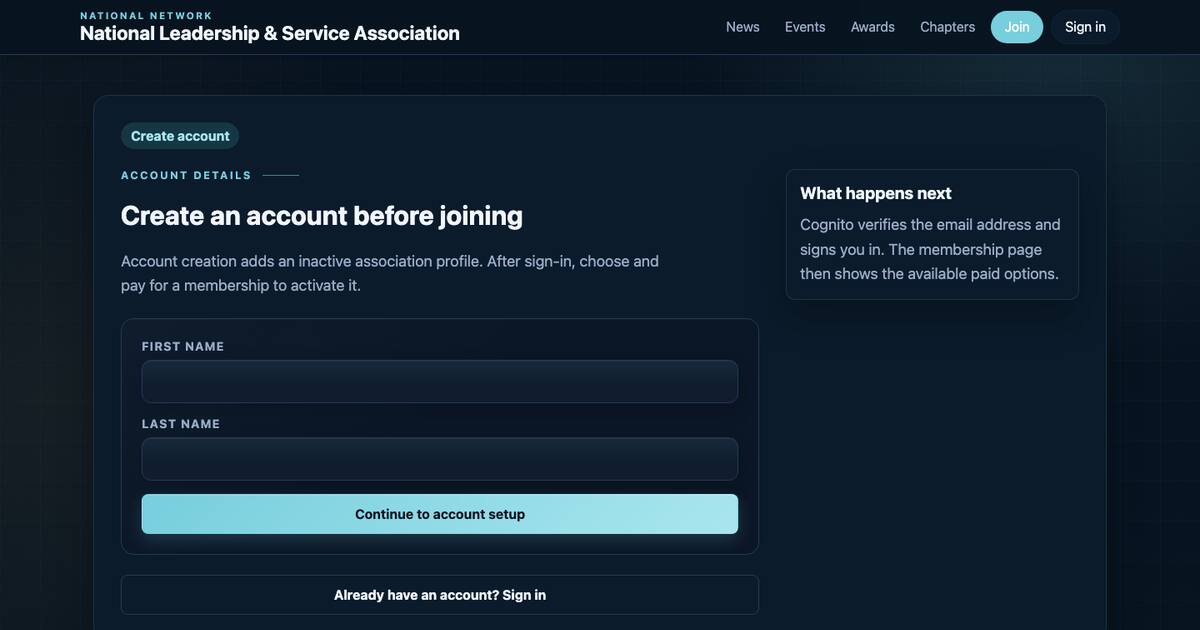
A prospective member creates and verifies an account before checkout. Confirmed payment activates the profile and creates the membership term.
 New
New
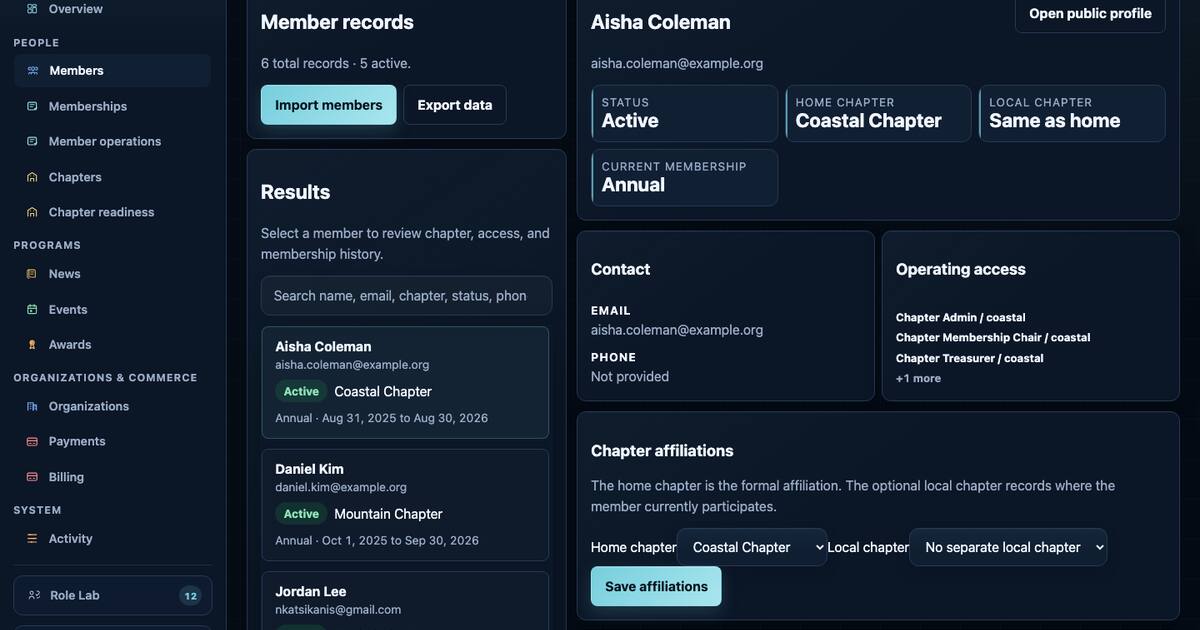
A member can have one dated home chapter record and one optional local chapter record without moving their formal chapter membership.
 New
New
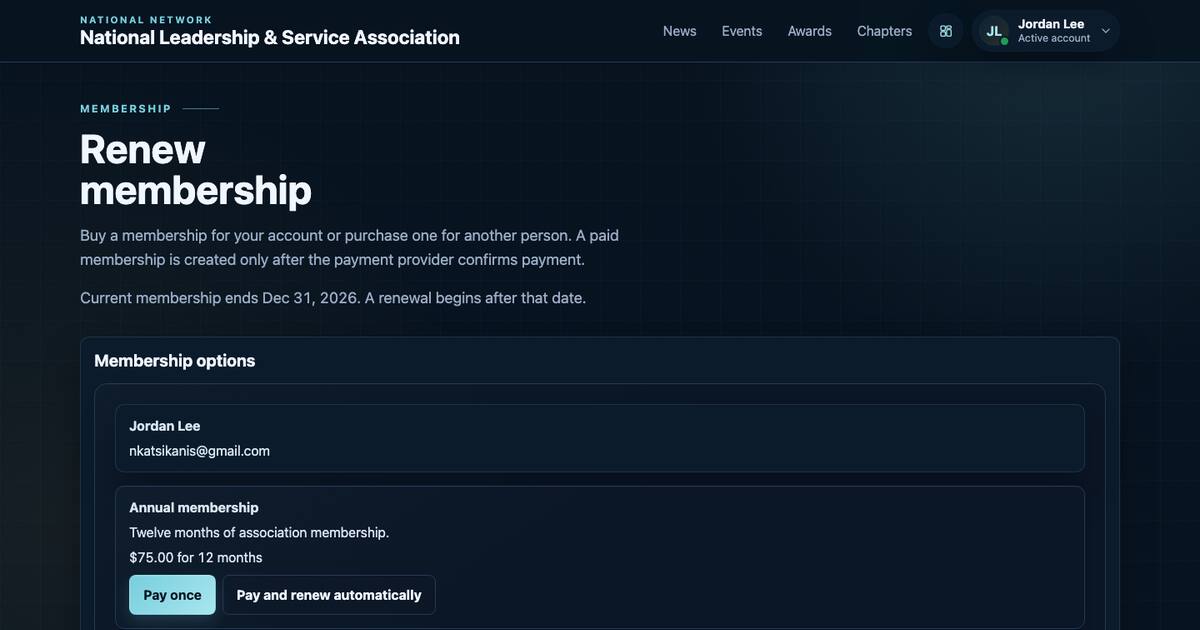
Members can choose a one-off annual payment or an automatic annual renewal. Each successful recurring payment creates its own payment record and membership term.
 New
New
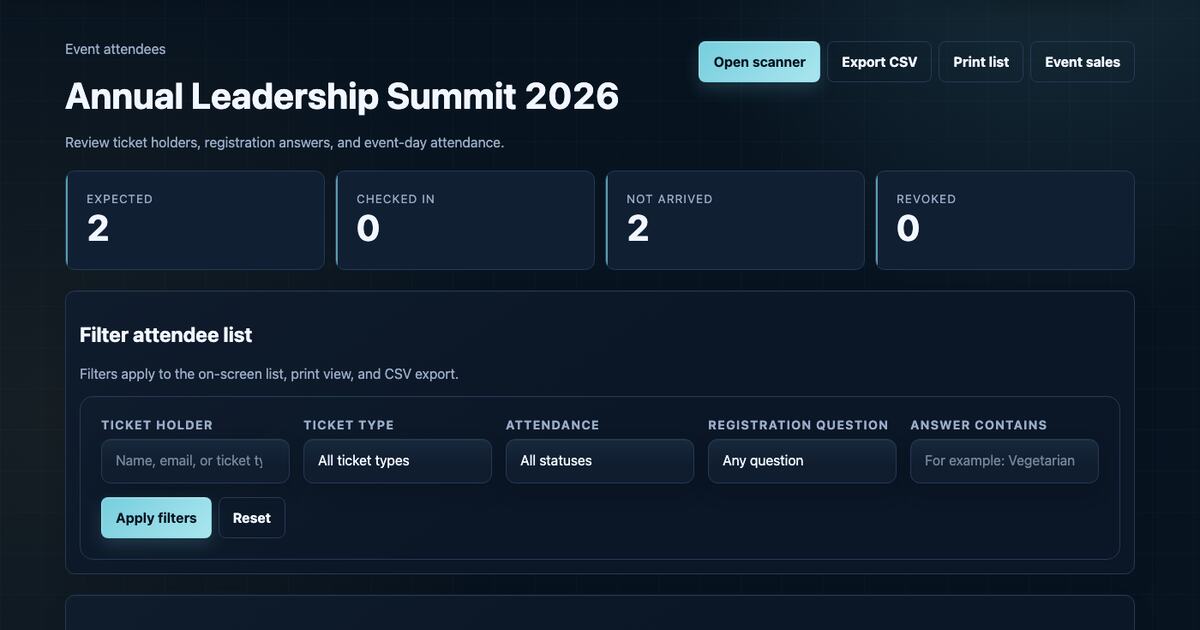
Event staff can review issued tickets, registration answers, and arrival status, then apply the same filters to the screen, printed list, and CSV export.
 New
New
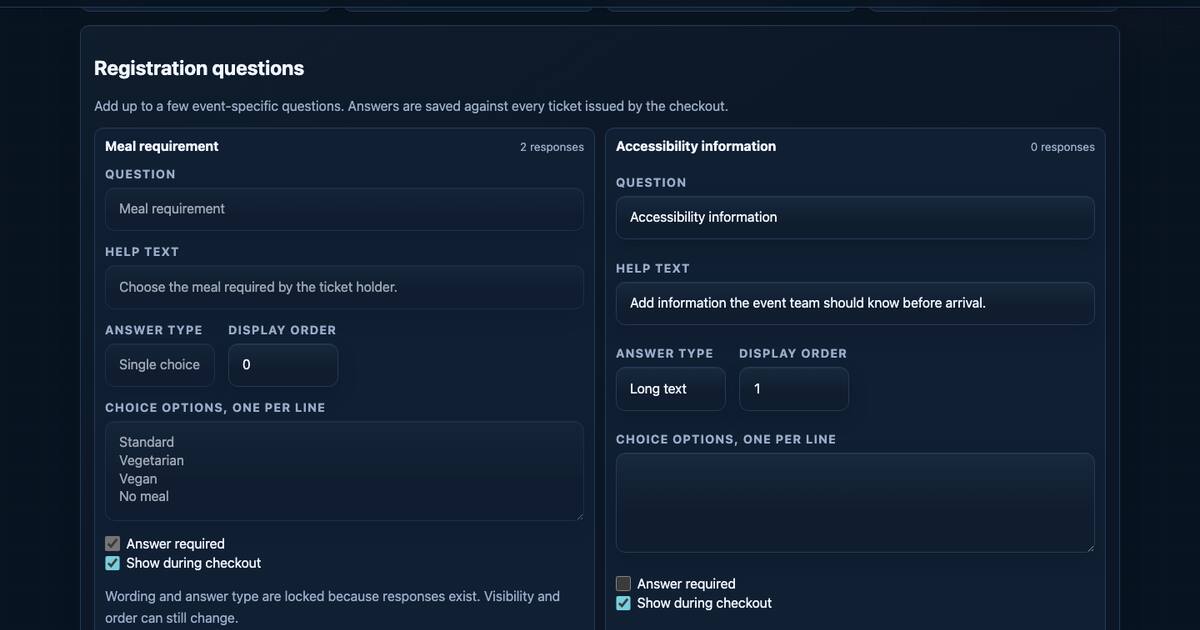
Event staff can add questions to an event, require selected answers during booking, and review the answers against each issued ticket.
New
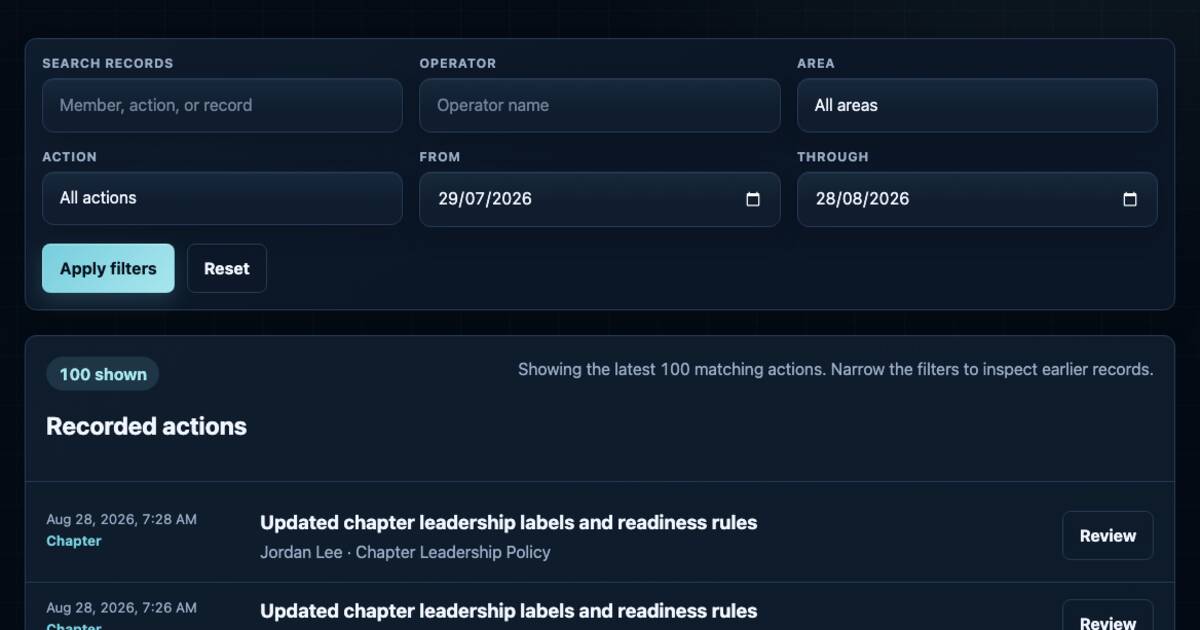
The Activity page records selected administrative actions and shows who made each change, when it happened, and which record was affected.
 New
New
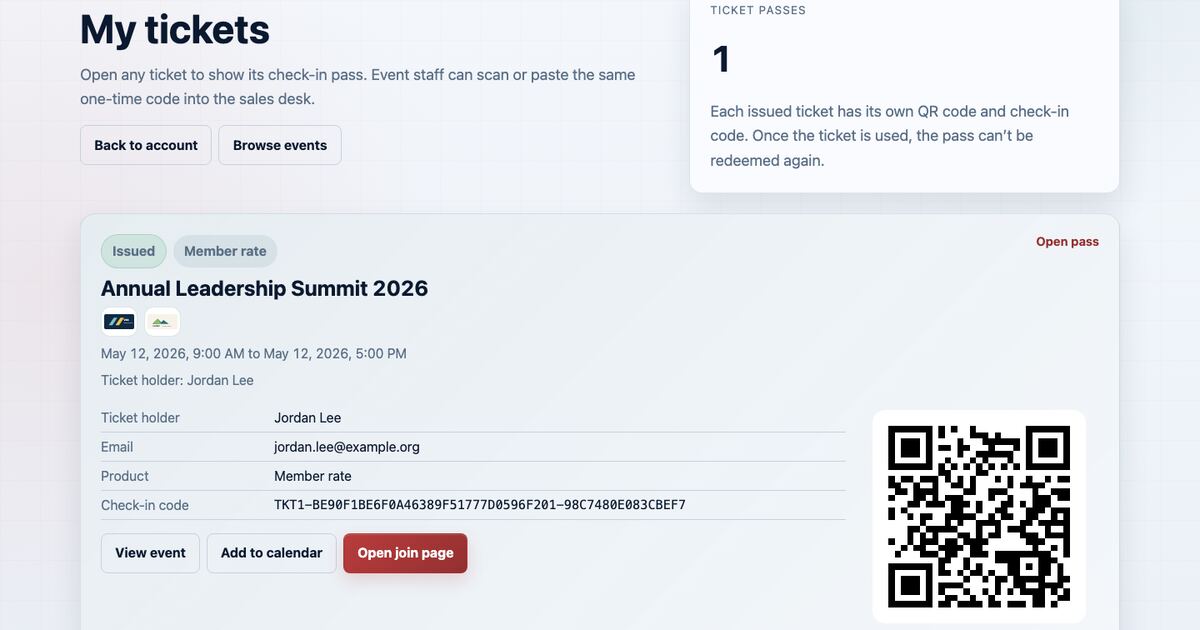
Event staff can scan a ticket's QR code inside the mobile website, enter its code manually, and see recent check-ins on the same page.
 New
New
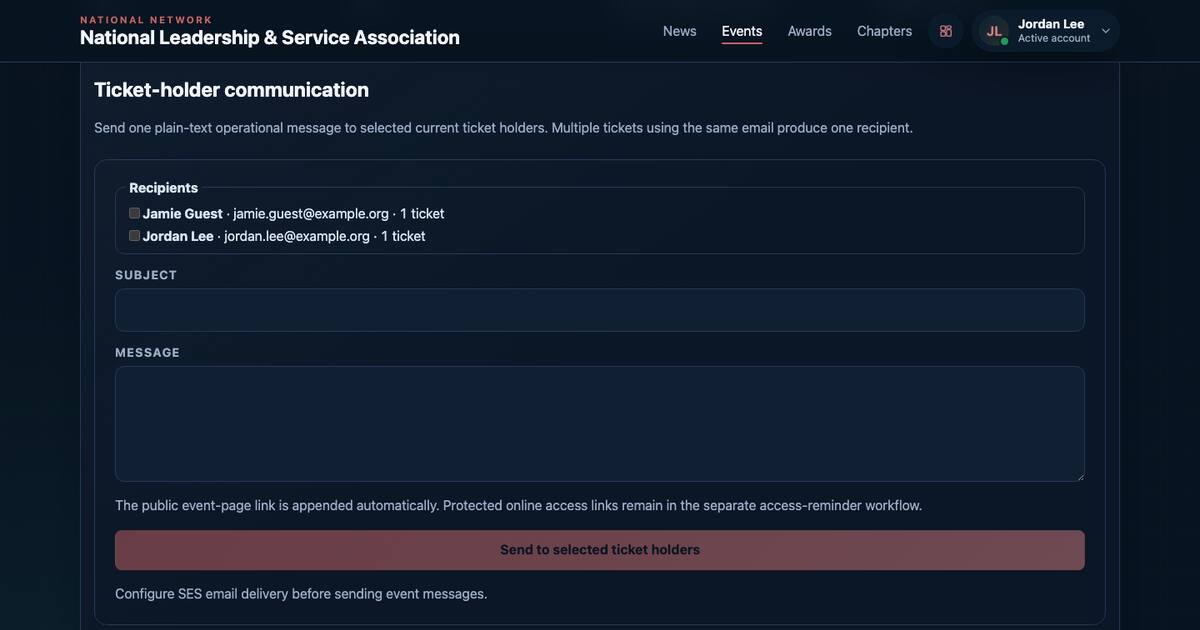
Event staff can select current ticket holders, send a plain-text message, and review how many messages were sent or failed.
 New
New
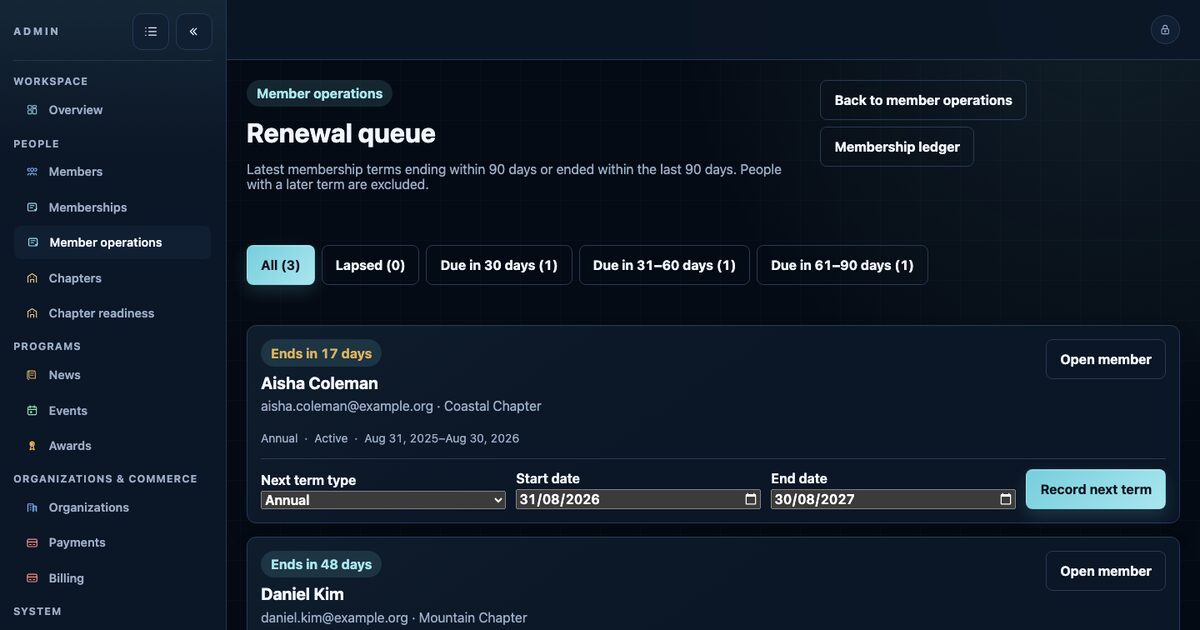
The renewal list shows memberships ending within 90 days or ended during the previous 90 days. Staff can send the payment link, and confirmed payment creates the next membership term.
 New
New
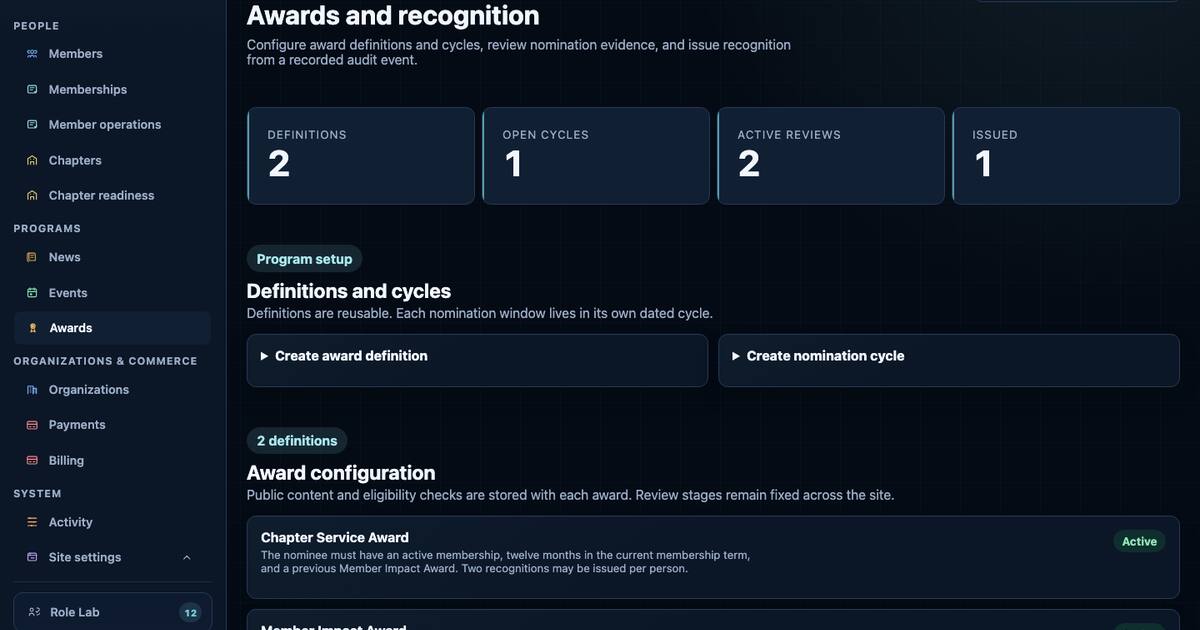
Staff can set up each award, choose when nominations are open, and apply the same membership and previous-award checks to every nomination.
 New
New
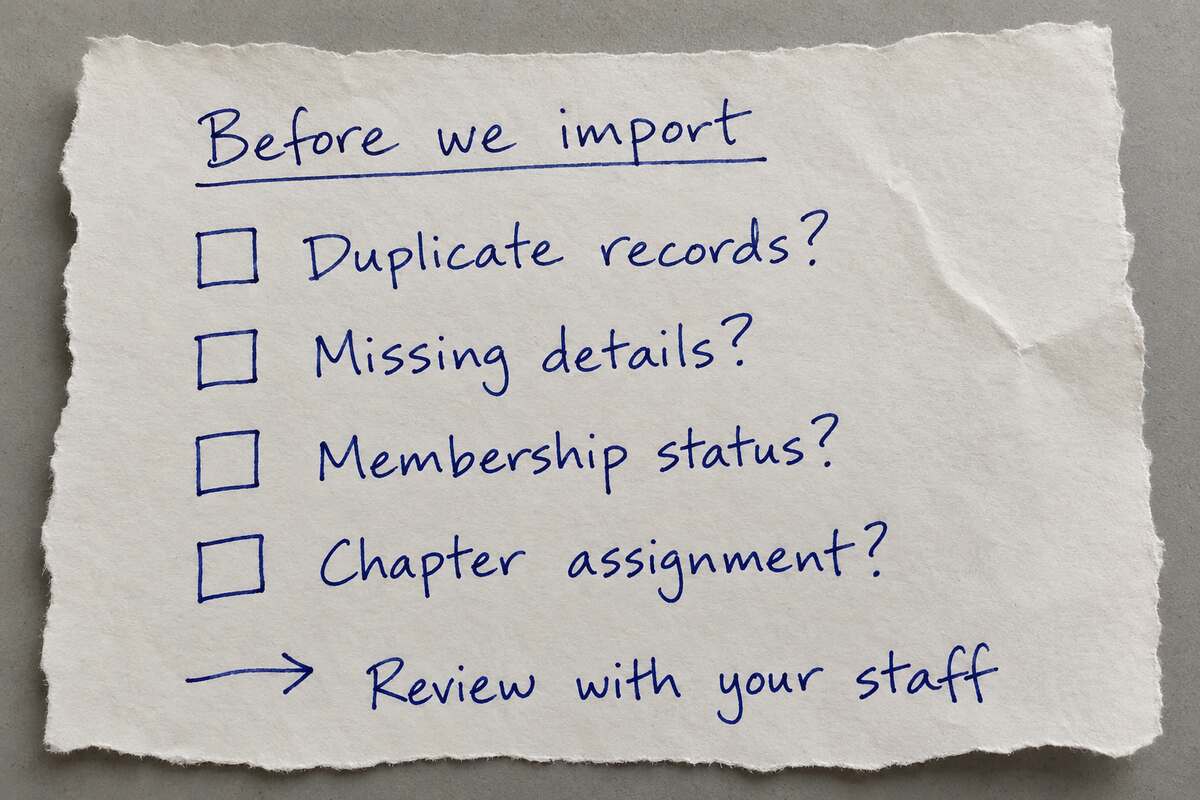
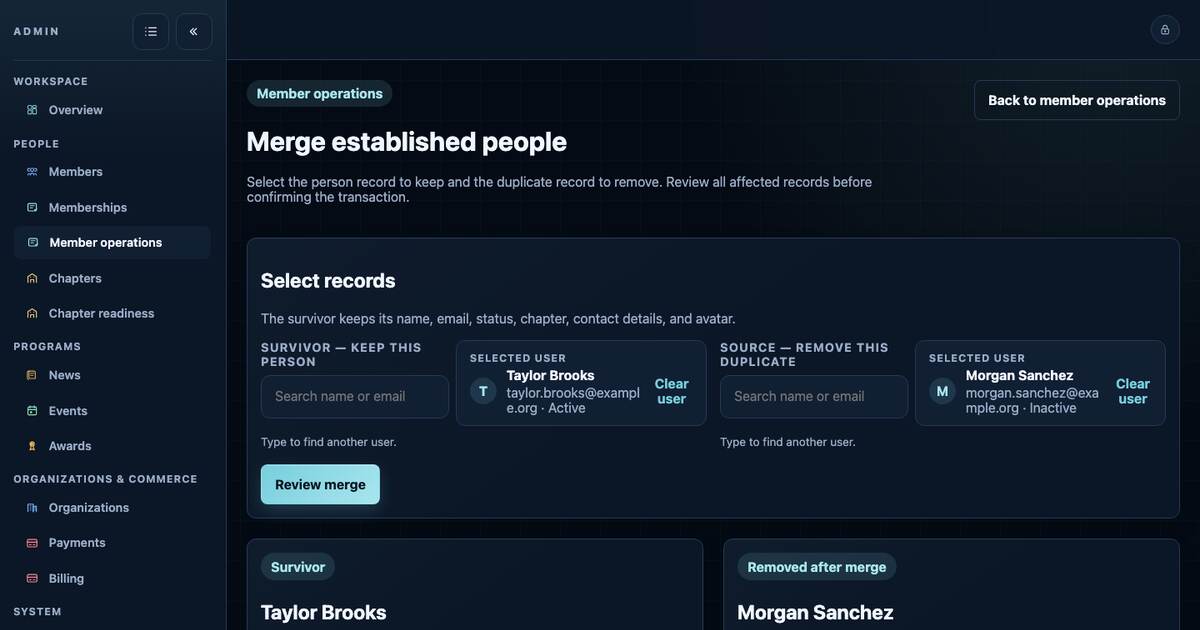
Staff can check a member spreadsheet before importing it and combine two records that belong to the same person without losing their history.
 New
New
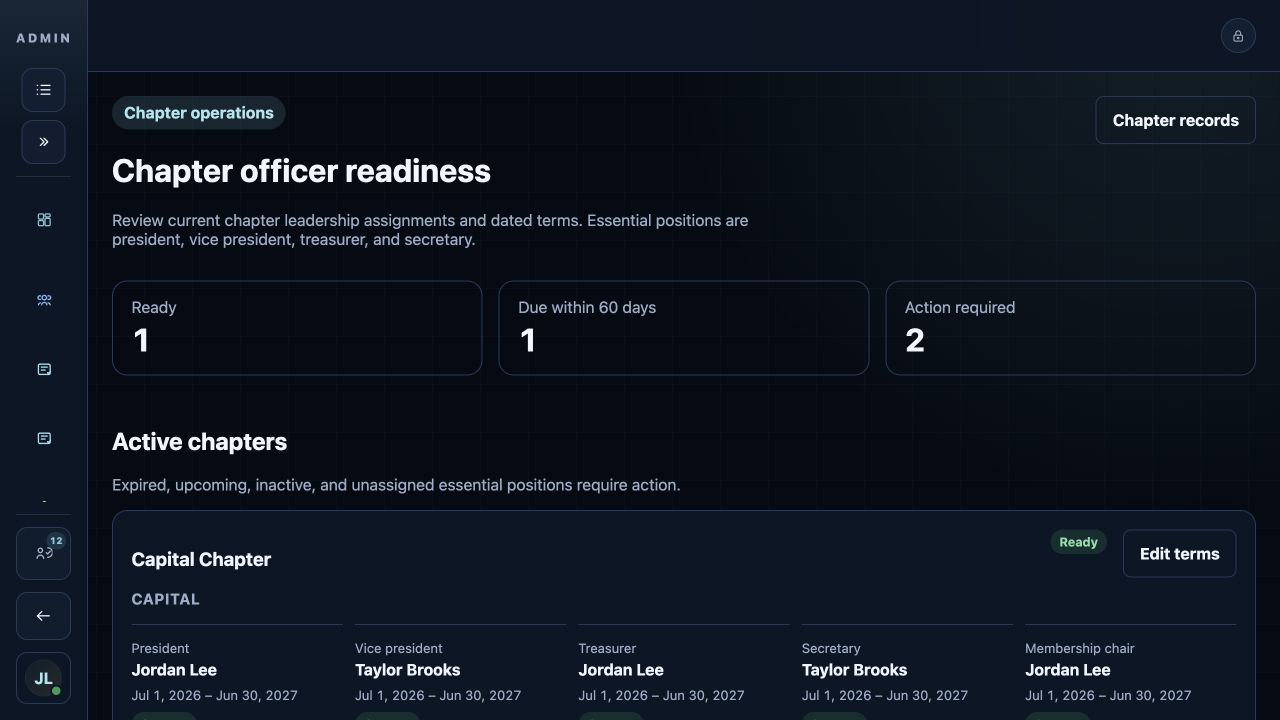
Staff can record who holds each chapter position, when the assignment starts and ends, and which positions require attention.
 New
New
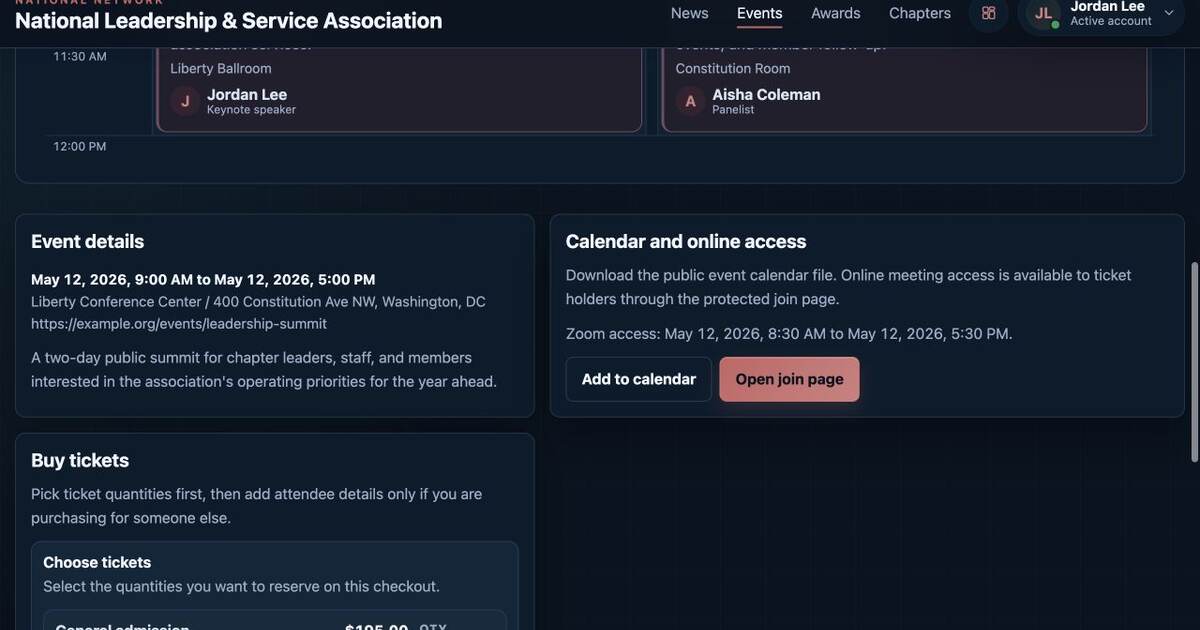
Staff can keep an online meeting link off the public event page and give it only to ticket holders during the allowed joining time.
 New
New
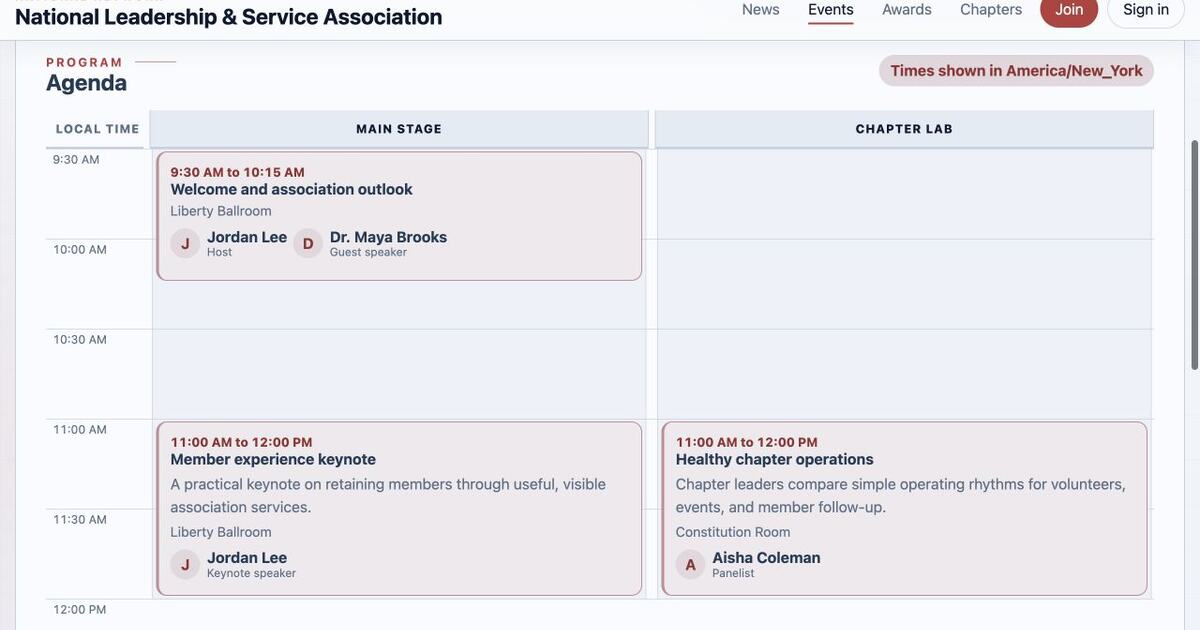
Events can use one or two agenda tracks. Sessions can include times, rooms, descriptions, and ordered speakers.
 New
New
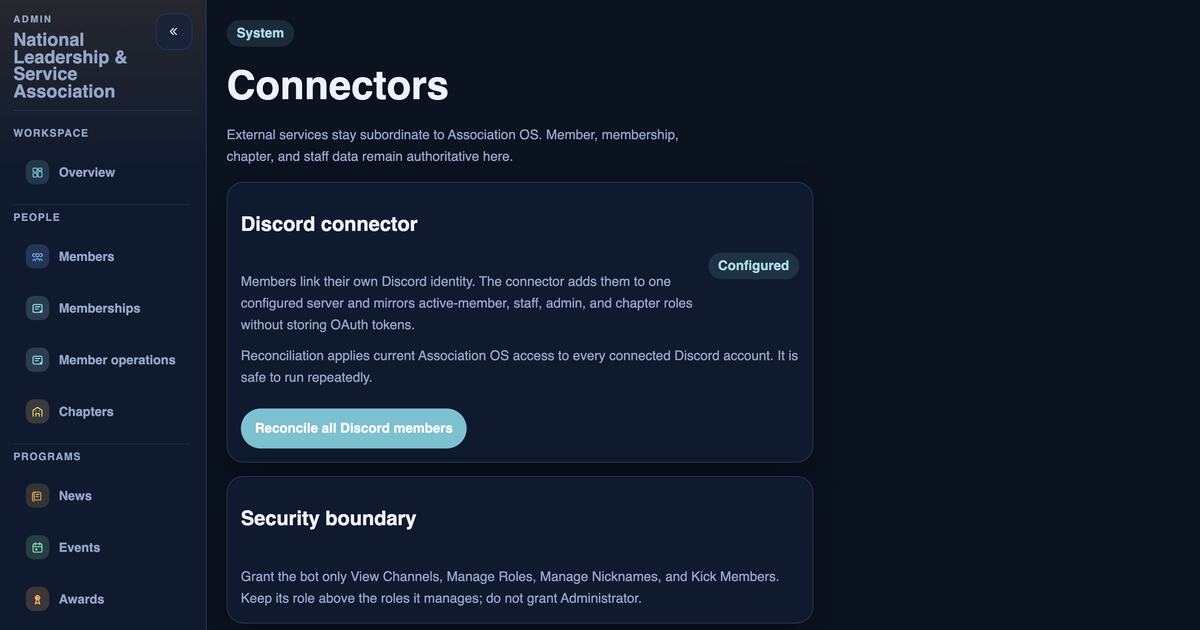
Members can connect their Discord account. Military OS then adds or removes the Discord roles that match their current membership and association duties.
 New
New
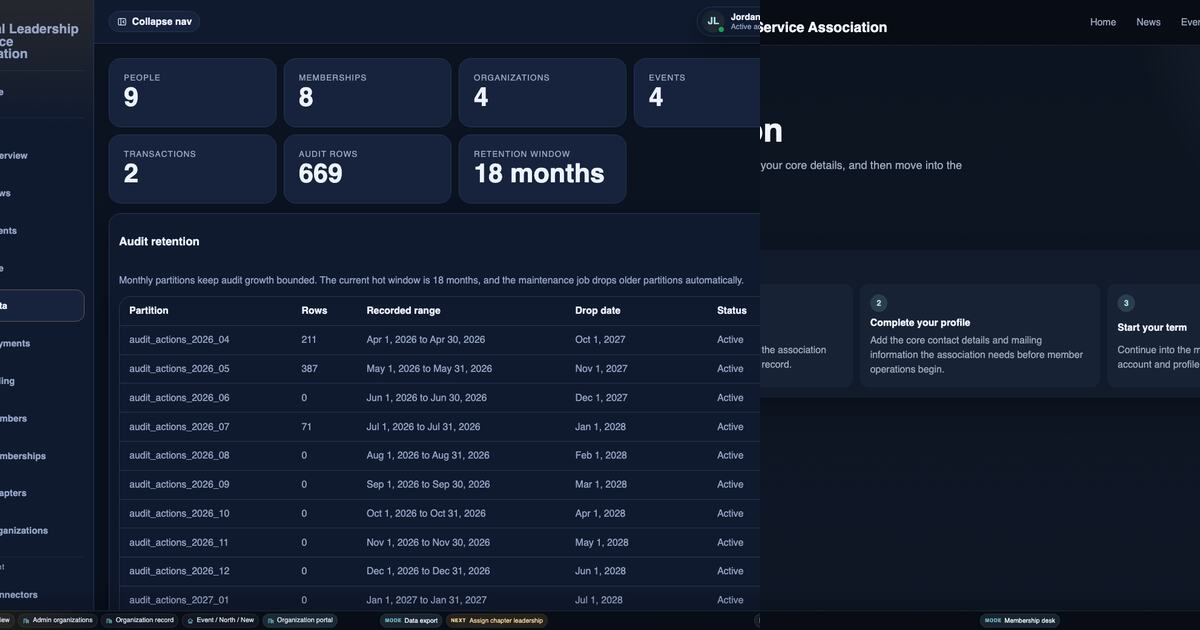
Military OS checks sign-in responses, keeps private fields off public pages, inspects uploaded images, and limits access to service credentials.
 New
New
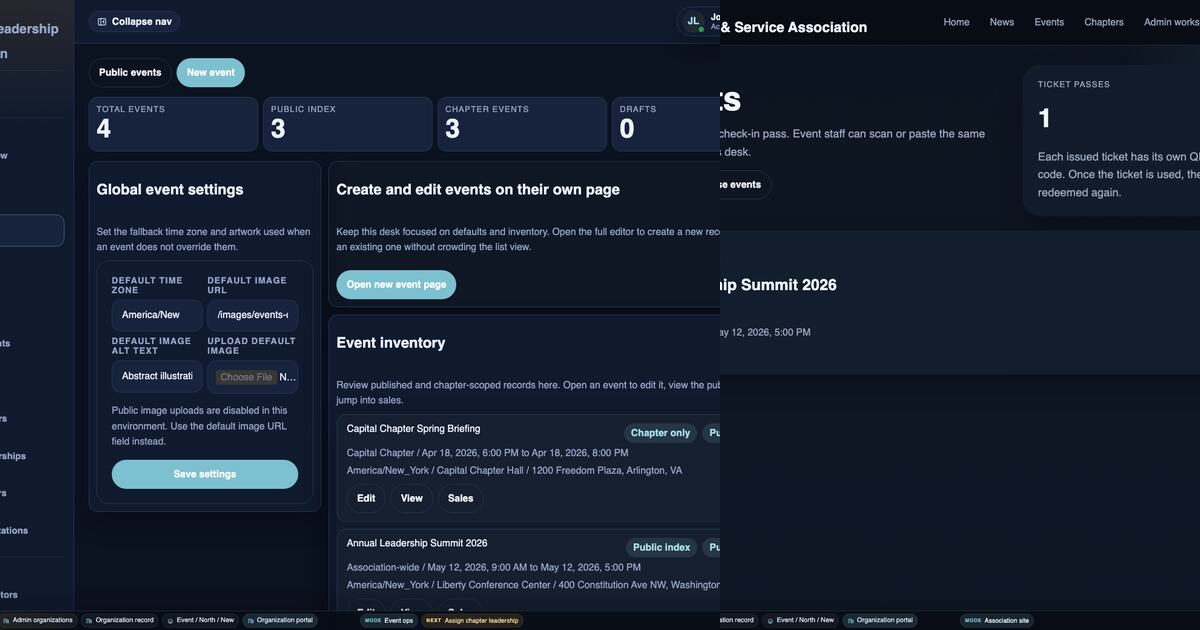
Military OS records what each buyer ordered, confirms the payment, issues the tickets, and keeps ticket and refund history.
 New
New
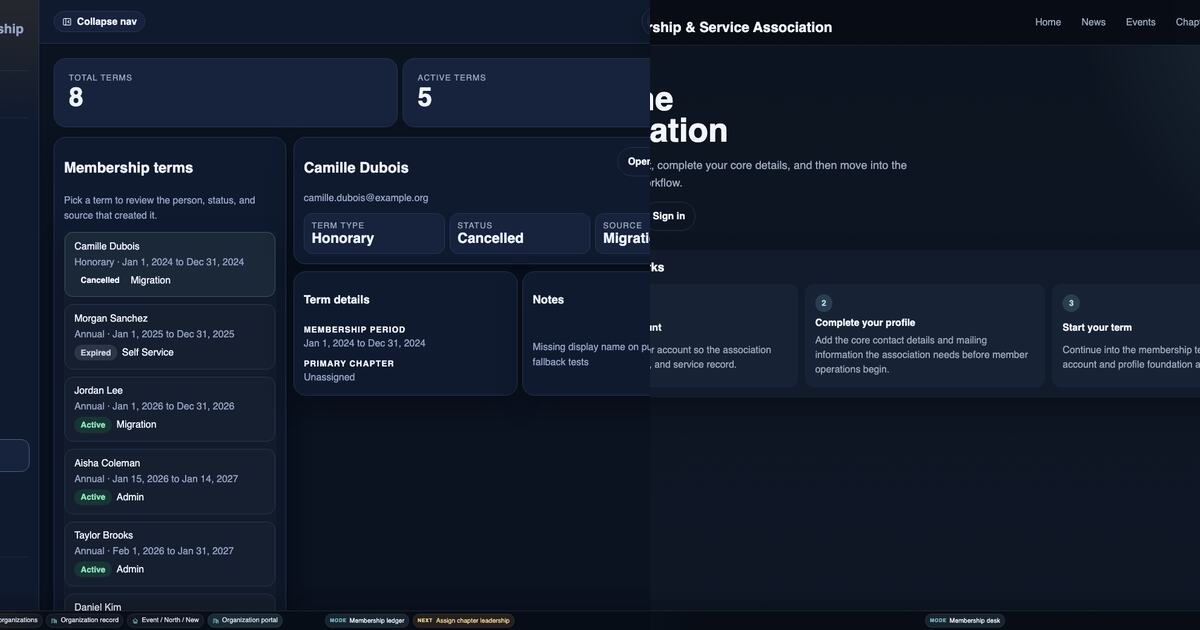
Staff can import a member spreadsheet, check it before saving, and keep each person's earlier and current membership dates.
 New
New
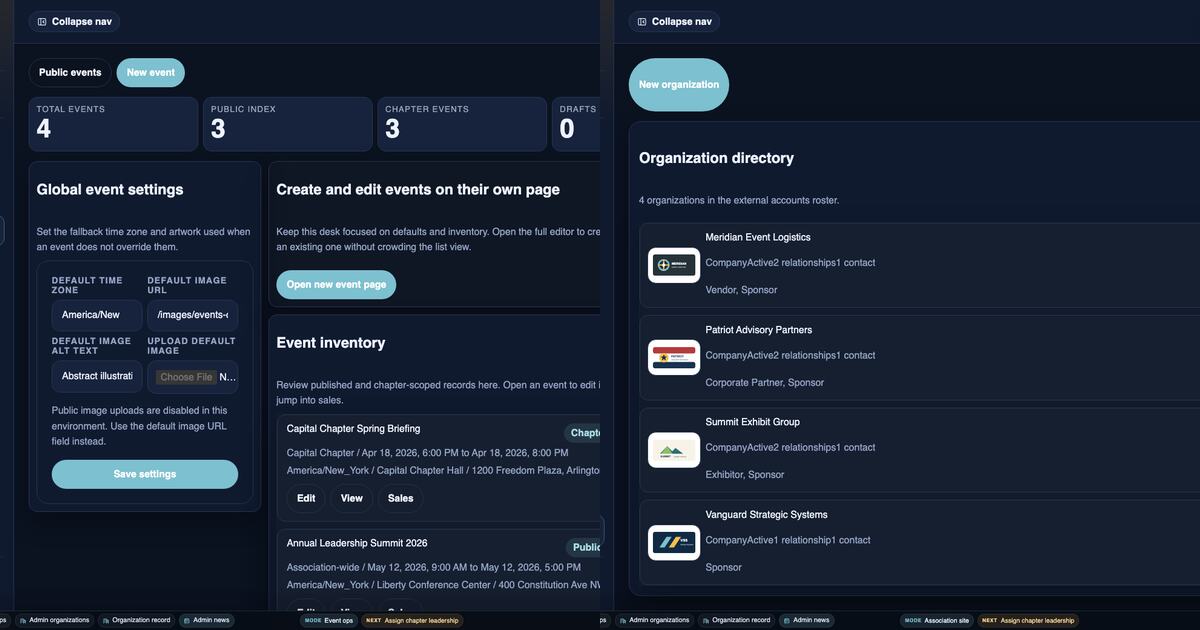
Staff can choose which sponsors appear on an event and keep sponsor contacts and account access separate from the public sponsor listing.
No posts match that filter.
Subscribe
Email stays separate from browser notifications. Use the inbox if you want the durable feed, or enable browser notifications for local news alerts.